

الشحن وإدارة الحاويات والتوزيع
Cloud-based plant management module for الشحن وإدارة الحاويات والتوزيع. Purpose-built for box makers and packaging converters to automate workflows and costing.
النقاط الرئيسية
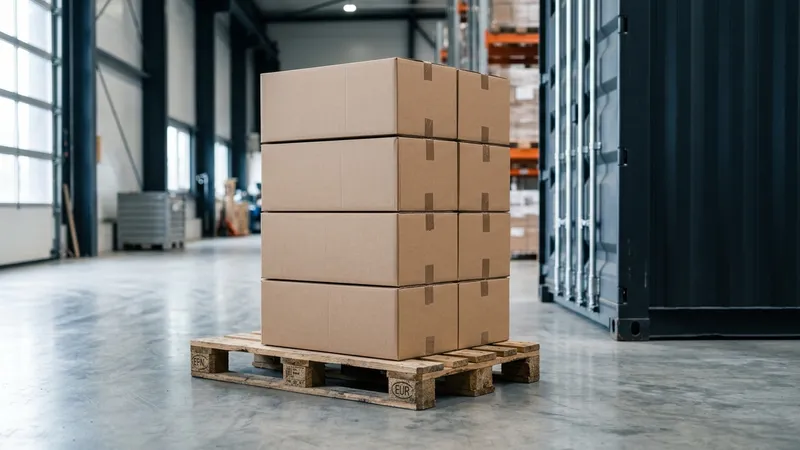
Loading Dock Short-Shipments and Lost Challans Delay Cash
Shipping the wrong carton revision or miscounting stacked pallets causes delivery disputes, freight reruns, and delayed payments. Handwritten delivery challans frequently go missing before reaching the accounts department for invoicing.
Packnomic turns your loading dock into a digital checkpoint. Pallet barcodes are scanned directly onto transport trucks, generating automated delivery challans, electronic proof of delivery (ePOD), and instant billing sync.
Operational Comparison: Packnomic vs Generic ERP vs Excel
| Operational Capability | Native SolutionPacknomic | Generic ERP | Excel Spreadsheets |
|---|---|---|---|
Loading Dock Verification | Barcode scan per pallet onto truck | Manual clipboard check | Eyeball pallet count |
Proof of Delivery (ePOD) | Digital customer signature & photo | Physical paper copy | Verbal confirmation |
Truck Loading Optimization | Algorithmic 3D pallet layout | Driver loading guess | Inefficient space use |
Staggered Order Releases | Real-time remaining balance sync | Manual ledger updates | Lost partial records |
Loading Dock Verification
Proof of Delivery (ePOD)
Truck Loading Optimization
Staggered Order Releases
Dispatch & Fulfillment Workflow
Pallet Pick List Generation
Step 01Warehouse system groups finished pallets by customer delivery zone and priority.
Truck Loading Barcode Verification
Step 02Forklift operators scan pallet tags; system confirms correct job number and quantity.
Digital Delivery Challan
Step 03The delivery challan is generated from the scanned pallets, with vehicle and quantity details.
Customer Mobile Sign-Off (ePOD)
Step 04Customer signs on driver tablet; system captures GPS coordinates and time stamp.
Invoice Generation
Step 05Confirmed deliveries flow to accounts for invoicing without re-keying.
Challan-to-Invoice Without Re-keying
Frequently Asked Questions
Frequently Asked Questions
Can the dispatch module handle partial deliveries across multi-pallet contracts?
Does the driver app work in offline mode when delivering to remote industrial zones?
Works seamlessly with adjacent modules
Ready to deploy الشحن وإدارة الحاويات والتوزيع in your plant?
Join carton and corrugated converters across Pakistan, UAE, and Saudi Arabia automating production with Packnomic.
الأدوات والوحدات والأدلة ذات الصلة
استكشف مجموعتنا المتكاملة من أدوات وحسابات التصنيع وإدارة مصانع التغليف.